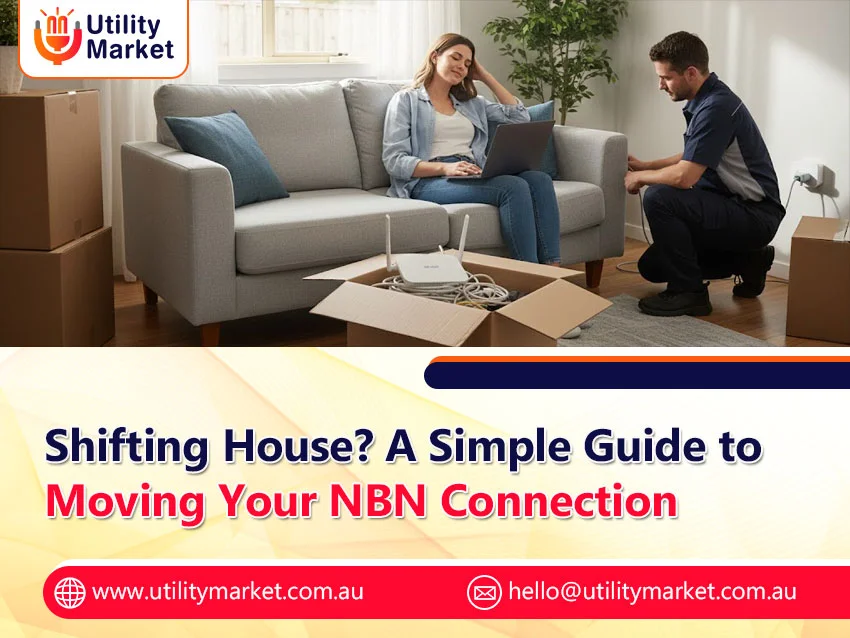
Shifting House? A Simple Guide to Moving Your NBN Connection
Published December 6, 2025
Whether renting or buying, we all know that moving into a new home is stressful. Worse thing is collapsing on the new sofa you bought online, only to realize you haven’t got internet. Lucky for you, sorting out your internet when moving is easy to do, and can be one of the first things you tick off your to-do list. We do recommend organizing your internet earlier, because it can take up to 2 to 4 weeks if you need an installation appointment. That’s why planning your Moving NBN Connection early is so important.
Checking your connection
Check how your new property is being serviced by internet. You can check all the details here for fixed line or wireless connections, including your premises’ readiness and connection technology. Otherwise, take a look at different NBN plans to figure out what plan is best for you. If you’re moving into a rental property that isn’t currently connected to the NBN network, it’s essential to get consent from your landlord or property manager before organising a connection.
If you’re building a new or off-the-plan home, you’ll need to ask the developer whether they’re building with the NBN network in mind. From there, follow either the NBN guide for new builds and make sure your builders are aware of the requirements for each network. This is a great time to make sure you get the connection type you think you’ll need and even consider futureproofing with the rise of smart, connected devices.
Getting the right hardware
Once you have confirmed your new connection type, now is a pretty good time to check whether you have the right modem or router. If the type of connection is the same as in your current property, you are in luck: you probably won’t have to purchase a different device when moving.
Properties with Fibre to the Node or Building (FTTN/B) connection will require a modem that uses VDSL2 technology. As a rule of thumb, if your new house has an NBN, then a router with a WAN port is all you need to get connected.
Moving your service
If you’re an Aussie customer, moving your internet service is pretty straightforward. You can go to the online portal and scroll down until you see the “Relocate Service” option. From there, it’s a matter of entering your new address, selecting your preferred plan, and setting the earliest date you want to be connected. You can also choose when you’re available for an NBN technician to visit your property, if necessary.
Setting it all up
Your RSP should have contacted you to let you know that your connection has been activated, so it is time to sort out all those cables you have lugged over from your old property. If you are lost over where to plug what, check out our videos on how to setup your hardware or read this guide on how to setup your BYO router.
Place your router apart from other appliances, like on a shelf, to minimize interference. If you find that your Wi-Fi is slow, then check out our blog with reasons why your internet is so slow and some tips & tricks to solve it.
Stay informed on everything related to your Moving NBN Connection by following Utility Market on LinkedIn. Get tips, updates, and helpful guides delivered straight to you.